> ## Documentation Index
> Fetch the complete documentation index at: https://docs.crazygoldfish.com/llms.txt
> Use this file to discover all available pages before exploring further.
# Features
> Automate subjective exam evaluation with AI at scale. Supports multi modal inputs, rubric + model-answer grading, and compliance-ready publishing, while powering downstream Personalization and content generation.
The **Exam Evaluation Suite** is the foundation of CrazyGoldFish’s **Evaluation Layer**. It automates multi modal exam grading, integrates into **Personalization** for action plans, and feeds **AI Studio** to generate remedial content — closing the loop across the learning ecosystem.
## Core Capabilities
* **Model-Answer Grading**\
Apply model-answer comparisons for fair and consistent scoring.
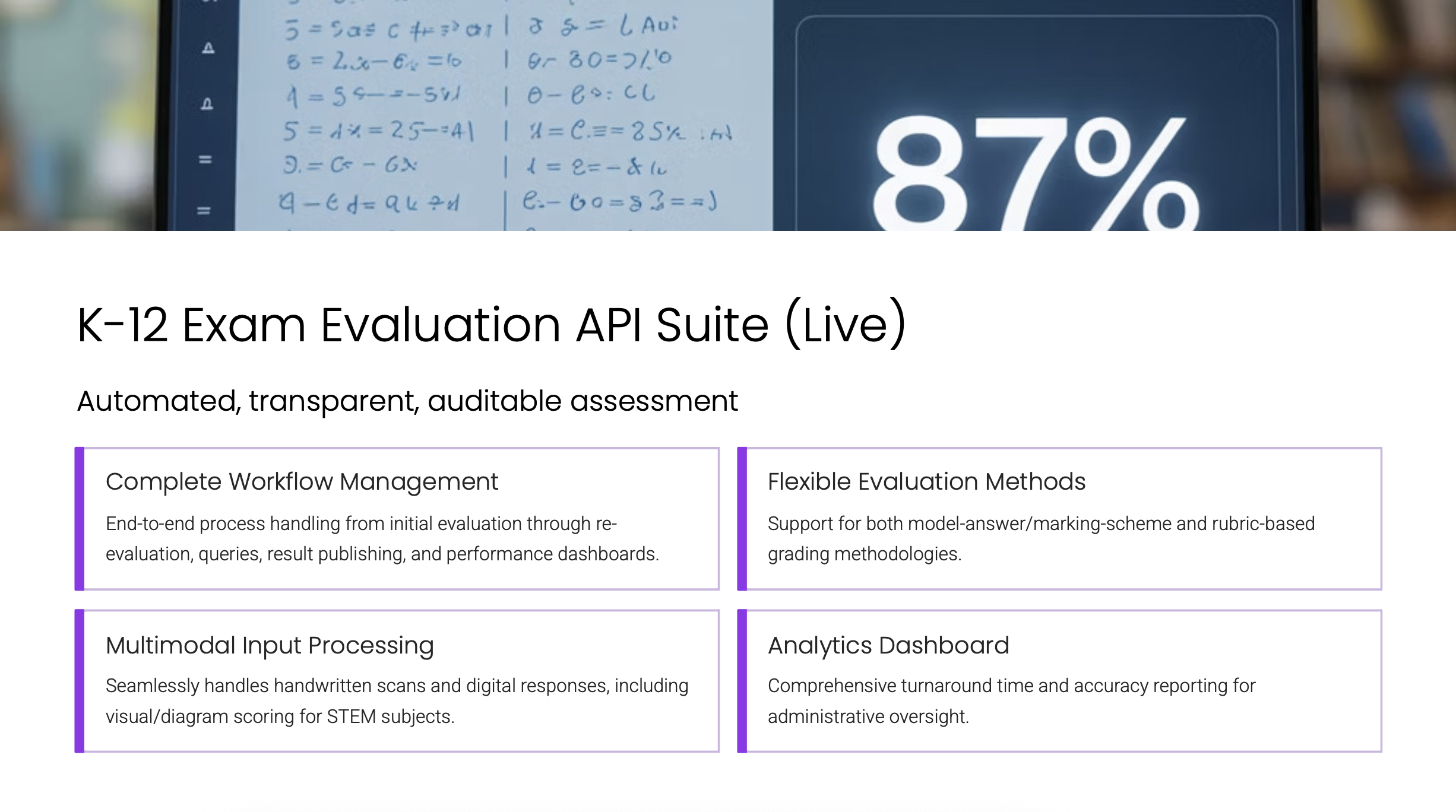
* **Multi modal Input Processing**\
Handle **handwritten scans (PDF/images)**, typed responses, and diagrams in STEM subjects with equal precision.
* **Complete Workflow Management**\
End-to-end coverage: ingestion → AI evaluation → queries → re-evaluation → publishing and dashboards.
* **Transparent & Auditable**\
Built-in support for query handling, re-checks, and compliance-ready audit trails.
* **Analytics Dashboard**\
Real-time monitoring of turnaround time, accuracy, and performance for admins.
***
## Supported Modalities
* ✅ Handwritten scans (PDF/images)
* ✅ Digital text responses
* ✅ Diagrams and visuals (STEM subjects)
* ⚡ Extension formats like video are supported via the [**Assignment Evaluation Suite**](/products/assignment/features)
 ***
## Stakeholder Value
* **Students** → Receive annotated feedback and transparent scoring instantly.
* **Teachers** → Save 8–10 hrs/week on grading, focus more on instruction.
* **Leaders** → Access compliance-ready dashboards and cohort trends.
* **Parents** → Get clear reports on progress with strengths and areas of improvement.
***
## Developer & UI Options
* **REST/JSON API** for backend integration.
* **Embeddable UI modules** to plug evaluation workflows directly into LMS/ERP without heavy frontend work.
***
## Ecosystem Integration
* **Upstream**: Exam setup with **Model Answer**.
* **Downstream**: Evaluation data flows into the **Personalization Suite** to generate targeted student/teacher/parent plans, then into **AI Studio** for lesson plans and worksheets.
* **Continuous Loop**: ClassTrack observation feeds back into evaluation, improving accuracy and remediation.
***
## Next Steps
* Learn the step-by-step process in the [Workflow guide](/products/evaluation-layer/workflow).
* Explore practical [Use Cases](/products/evaluation-layer/usecase) across Schools, LMS/ERP, Tutoring, and E-learning.
* API Reference: [Create Exam](/api-reference/endpoint/evaluation-platform/v1-exam) · [Model Answer Sheet](/api-reference/endpoint/evaluation-platform/v1-model-answer-sheet) · [Student Answer Sheet](/api-reference/endpoint/evaluation-platform/v1-student-answer-sheet) · [Pre-provisional Scores](/api-reference/endpoint/evaluation-platform/v1-pre-provisional-scores) · [Publish Result](/api-reference/endpoint/evaluation-platform/v1-publish-result) · [Embeddable UI Link](/api-reference/endpoint/evaluation-platform/embeddable-ui-link) · [Webhooks](/api-reference/endpoint/webhook/v1-get-webhook-template).
## FAQ
Upload scans, typed documents, audio, or video; attach a model answer and/or rubric; then run the AI evaluation. The engine parses multimodal inputs, applies rubric/model‑answer logic, and returns scored outputs with strengths and improvements. Human‑in‑the‑loop rechecks and audit logs are built in for transparency and control.
Teams typically see up to 95% accuracy when rubrics are paired with model answers. A human‑in‑the‑loop review handles edge cases and sensitive items to preserve consistency and auditability across subjects and formats.
You can choose a white‑label Embeddable UI (iframe‑based) for a branded experience or use REST APIs for fine‑grained control over exams, model answers, and exports. Both options integrate cleanly with your product and do not require a dedicated AI team; sample payloads and sandbox endpoints are provided in the docs.
Students or staff can trigger rechecks, and the system logs the request, rationale, and final outcome for full traceability. Human‑in‑the‑loop checkpoints let educators approve or adjust results, while audit logs and exportable records support moderation and inspections.
Evaluations return scored outputs with strengths and improvements aligned to your rubric/model answers. Results flow into Personalization to generate action plans and feed AI Studio to produce remedial content—closing the loop from Evaluate to Generate. Exports also update your LMS/ERP to keep downstream reporting in sync.
Workflows are CBSE/ICSE/GDPR aligned for curriculum fit and data handling. Human‑in‑the‑loop review, rechecks, and audit logs provide oversight and traceability so institutions can meet policy and inspection requirements.
Attach board‑aligned rubrics and model answers to each assessment so the engine can apply them consistently across multimodal inputs. You can tune rubrics and enable double‑checks on flagged items to maintain uniform standards and reduce variance.
The system performs content‑aware parsing across handwriting, diagrams, text, audio, and video before applying rubric/model‑answer logic. Edge cases are routed to human reviewers, balancing automation with expert oversight to reduce drift and bias while keeping outcomes transparent.
Evaluation results—scores and structured feedback—can be exported directly to your LMS/ERP. This keeps teacher dashboards and institutional reporting current while enabling downstream personalization and analytics without extra manual steps.
Yes—no AI team is required. Teams upload responses, attach rubrics/model answers, run evaluations, and review any flagged items via human‑in‑the‑loop before publishing; audit logs and exports handle governance, while Personalization and AI Studio consume outputs automatically for action plans and remedial content.
***
## Stakeholder Value
* **Students** → Receive annotated feedback and transparent scoring instantly.
* **Teachers** → Save 8–10 hrs/week on grading, focus more on instruction.
* **Leaders** → Access compliance-ready dashboards and cohort trends.
* **Parents** → Get clear reports on progress with strengths and areas of improvement.
***
## Developer & UI Options
* **REST/JSON API** for backend integration.
* **Embeddable UI modules** to plug evaluation workflows directly into LMS/ERP without heavy frontend work.
***
## Ecosystem Integration
* **Upstream**: Exam setup with **Model Answer**.
* **Downstream**: Evaluation data flows into the **Personalization Suite** to generate targeted student/teacher/parent plans, then into **AI Studio** for lesson plans and worksheets.
* **Continuous Loop**: ClassTrack observation feeds back into evaluation, improving accuracy and remediation.
***
## Next Steps
* Learn the step-by-step process in the [Workflow guide](/products/evaluation-layer/workflow).
* Explore practical [Use Cases](/products/evaluation-layer/usecase) across Schools, LMS/ERP, Tutoring, and E-learning.
* API Reference: [Create Exam](/api-reference/endpoint/evaluation-platform/v1-exam) · [Model Answer Sheet](/api-reference/endpoint/evaluation-platform/v1-model-answer-sheet) · [Student Answer Sheet](/api-reference/endpoint/evaluation-platform/v1-student-answer-sheet) · [Pre-provisional Scores](/api-reference/endpoint/evaluation-platform/v1-pre-provisional-scores) · [Publish Result](/api-reference/endpoint/evaluation-platform/v1-publish-result) · [Embeddable UI Link](/api-reference/endpoint/evaluation-platform/embeddable-ui-link) · [Webhooks](/api-reference/endpoint/webhook/v1-get-webhook-template).
## FAQ
Upload scans, typed documents, audio, or video; attach a model answer and/or rubric; then run the AI evaluation. The engine parses multimodal inputs, applies rubric/model‑answer logic, and returns scored outputs with strengths and improvements. Human‑in‑the‑loop rechecks and audit logs are built in for transparency and control.
Teams typically see up to 95% accuracy when rubrics are paired with model answers. A human‑in‑the‑loop review handles edge cases and sensitive items to preserve consistency and auditability across subjects and formats.
You can choose a white‑label Embeddable UI (iframe‑based) for a branded experience or use REST APIs for fine‑grained control over exams, model answers, and exports. Both options integrate cleanly with your product and do not require a dedicated AI team; sample payloads and sandbox endpoints are provided in the docs.
Students or staff can trigger rechecks, and the system logs the request, rationale, and final outcome for full traceability. Human‑in‑the‑loop checkpoints let educators approve or adjust results, while audit logs and exportable records support moderation and inspections.
Evaluations return scored outputs with strengths and improvements aligned to your rubric/model answers. Results flow into Personalization to generate action plans and feed AI Studio to produce remedial content—closing the loop from Evaluate to Generate. Exports also update your LMS/ERP to keep downstream reporting in sync.
Workflows are CBSE/ICSE/GDPR aligned for curriculum fit and data handling. Human‑in‑the‑loop review, rechecks, and audit logs provide oversight and traceability so institutions can meet policy and inspection requirements.
Attach board‑aligned rubrics and model answers to each assessment so the engine can apply them consistently across multimodal inputs. You can tune rubrics and enable double‑checks on flagged items to maintain uniform standards and reduce variance.
The system performs content‑aware parsing across handwriting, diagrams, text, audio, and video before applying rubric/model‑answer logic. Edge cases are routed to human reviewers, balancing automation with expert oversight to reduce drift and bias while keeping outcomes transparent.
Evaluation results—scores and structured feedback—can be exported directly to your LMS/ERP. This keeps teacher dashboards and institutional reporting current while enabling downstream personalization and analytics without extra manual steps.
Yes—no AI team is required. Teams upload responses, attach rubrics/model answers, run evaluations, and review any flagged items via human‑in‑the‑loop before publishing; audit logs and exports handle governance, while Personalization and AI Studio consume outputs automatically for action plans and remedial content.