
What can teachers make with AI Studio?
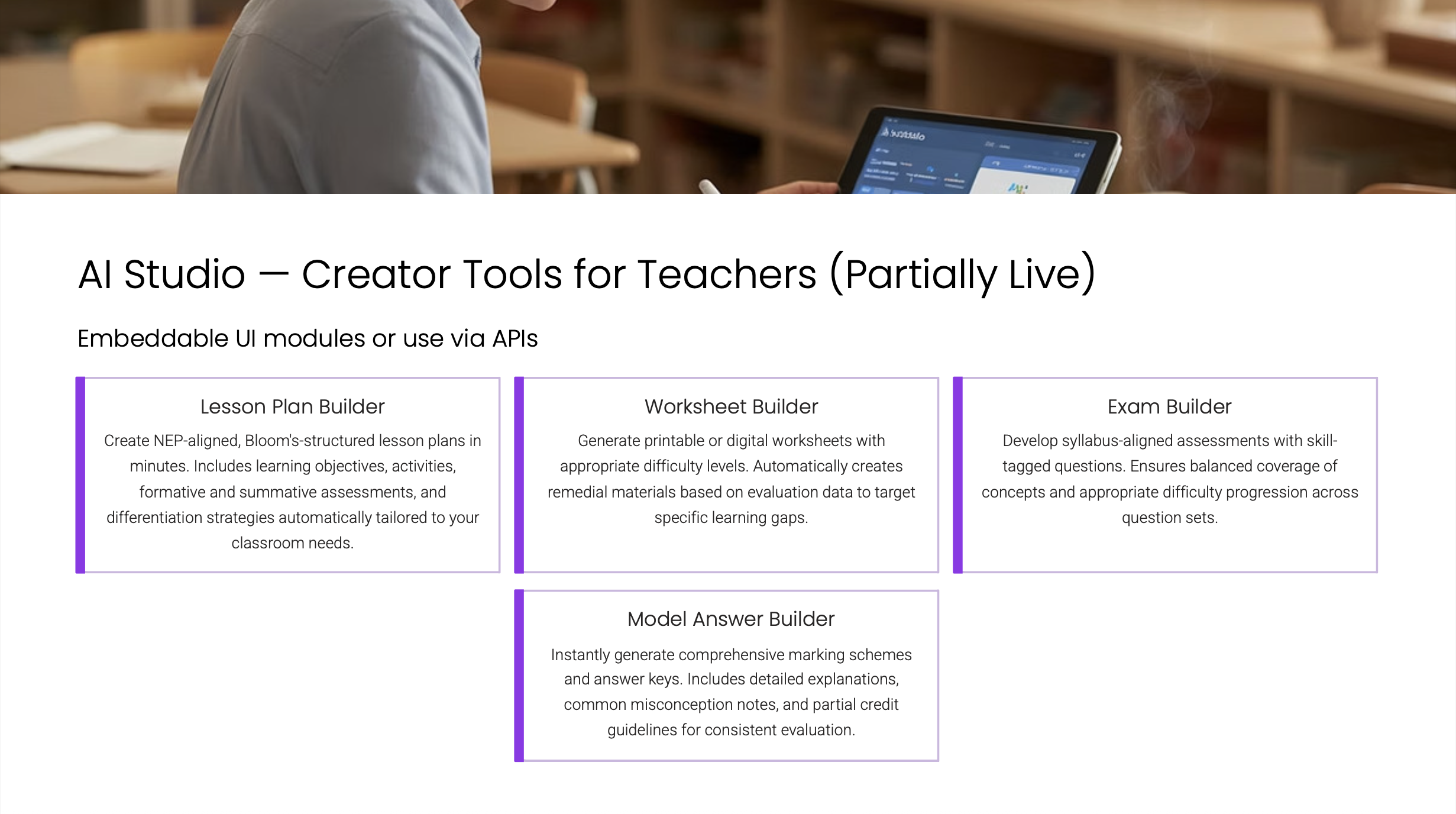
Lesson Plan Builder
A plan for one lesson of 30 to 90 minutes: objectives, activities with timings, materials, questions to ask, and notes for the teacher.
Worksheet Builder
Up to 10 practice questions with the correct answers, and optional step-by-step explanations.
AI Studio
What do the two builders have in common?
What happens when you type a topic?
The questions or the plan are built from textbook content stored for that board, grade, and subject. If nothing is stored for the topic you typed, the first stage fails and says so. When that happens, upload photos of the pages instead, or contact CrazyGoldFish about getting your books loaded.How do I add AI Studio to my platform?
Your developers connect to each builder through its API. Both follow the same pattern: start a job, read the draft, send back the teacher’s edits, read the result.Build a lesson plan
The Lesson Plan Builder API, step by step.
Generate a worksheet
The Worksheet Builder API, step by step.
Frequently asked questions
What is the difference between a lesson plan and a worksheet?
What is the difference between a lesson plan and a worksheet?
A lesson plan tells the teacher how to teach: what to do, in what order, for how many minutes, with what materials. A worksheet gives students questions to answer, with an answer key for the teacher.
Can a worksheet be created automatically from a lesson plan?
Can a worksheet be created automatically from a lesson plan?
No. A lesson plan and a worksheet are created separately, and each one is given its own topic, photos, or recording. You can use the same topic for both.
Which boards, grades, and subjects can I use?
Which boards, grades, and subjects can I use?
Your developers list them with the Metadata API: the boards CrazyGoldFish holds, then the grades under a board, then the subjects under a grade. Those lists are the IDs the builders accept, and a create call checks only that the IDs you send exist. Treat them as the catalog of what is set up, not as a statement of what your contract covers. If something you need is missing, contact CrazyGoldFish.
Are learning outcomes taken from a real curriculum?
Are learning outcomes taken from a real curriculum?
For some subjects. Stored curriculum data covers a few subjects in depth and a wider set more thinly, all against CBSE. For a subject with nothing stored, the AI writes the outcomes itself. See which subjects have stored curriculum data.
Do teachers have to use what the AI suggests?
Do teachers have to use what the AI suggests?
No. At every stage before the final content is written, teachers remove suggestions that do not fit and add their own. Your platform can also accept a draft as it is and move straight on.
How does my platform know when something is ready?
How does my platform know when something is ready?
Ask for the lesson plan or worksheet at any time and it reports its current stage and status. You can also set up a webhook, an automatic message CrazyGoldFish sends your server as soon as a stage finishes or fails.
Can a finished lesson plan or worksheet be edited later?
Can a finished lesson plan or worksheet be edited later?
Editing happens during the stages, before the content is written. Once it is written, that lesson plan or worksheet is final. To try something different, create a new one.
Next steps
Lesson Plan Builder
What a finished lesson plan contains.
Worksheet Builder
What a worksheet includes and which question types are supported.
All APIs
Everything you can build with the CrazyGoldFish APIs.
Classroom observation
Analyze a recording of a real lesson against your teaching rubric.